
Download AT&T Locker APK – Cloud Storage, Media Sharing, Secure Online Storage, Free Cloud Space, Sync Across Devices, Upload Photos and Videos, Free Media Storage, Online Backup, Share Files
Overview
AT&T Locker was a cloud-based media storage service designed to help users store, sync, and share photos, videos, music, and documents across multiple devices. Available on Android, iOS, and Windows platforms, the application enabled users to access their content from any internet-connected device, including desktops and web browsers. It was particularly positioned as a convenient solution for AT&T mobile customers seeking a centralized location to manage their digital media.
The service offered free cloud storage space, making it accessible without additional cost. Users could upload media directly from their devices and organize files into customized albums for easier navigation. While the service aimed to streamline media management and reduce reliance on mobile data, it ultimately did not achieve widespread adoption.
Despite its straightforward purpose and integration with AT&T’s ecosystem, the application failed to gain significant traction due to limited feature development and an outdated user interface. The service was discontinued in 2018, marking the end of its operational lifecycle.
Key Features & Capabilities
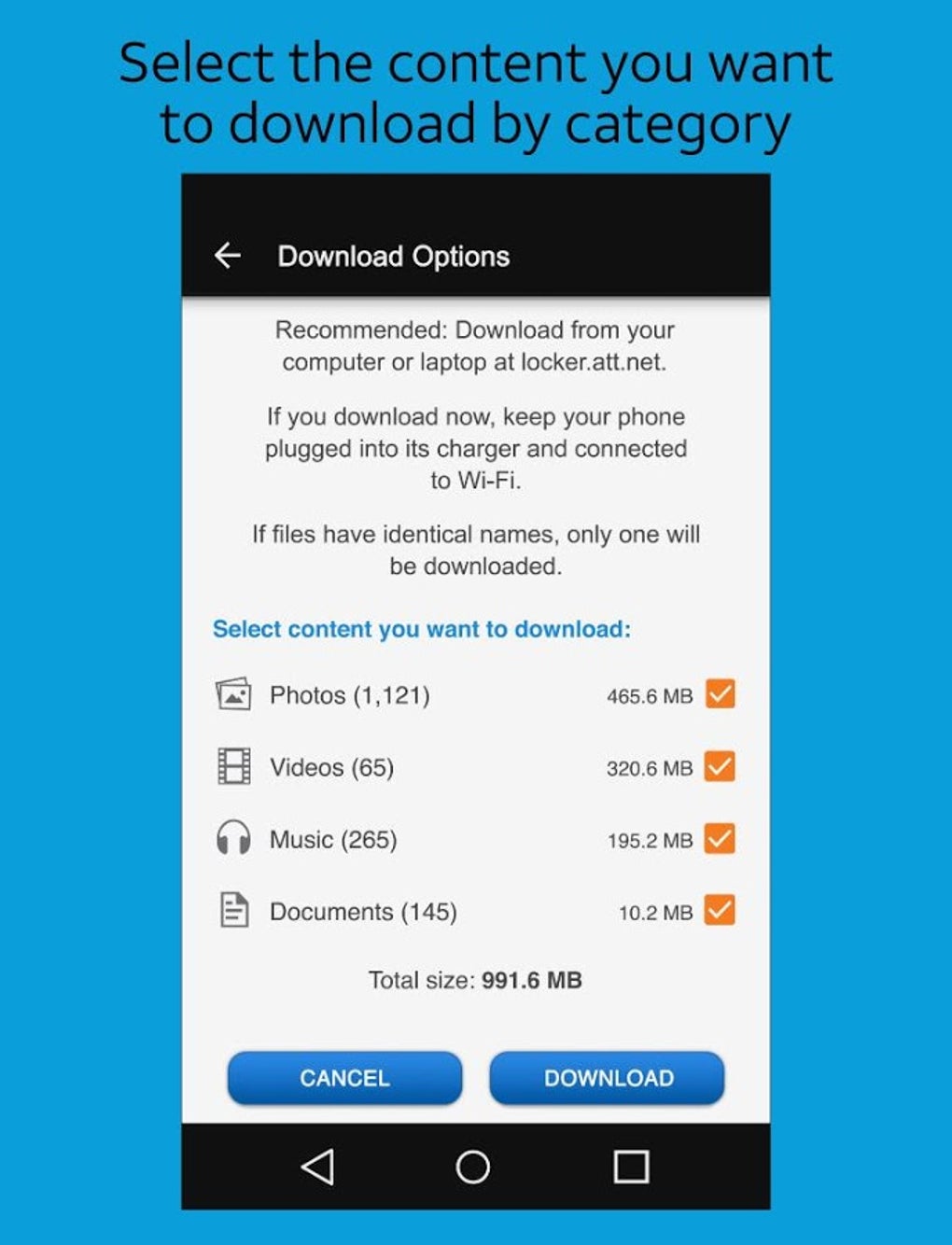
- Cloud-based media storage – Users could securely store photos, videos, music, and documents in the cloud, eliminating the need to rely solely on device storage.
- Cross-device synchronization – Content uploaded to AT&T Locker could be accessed and synced across Android, iOS, and Windows devices.
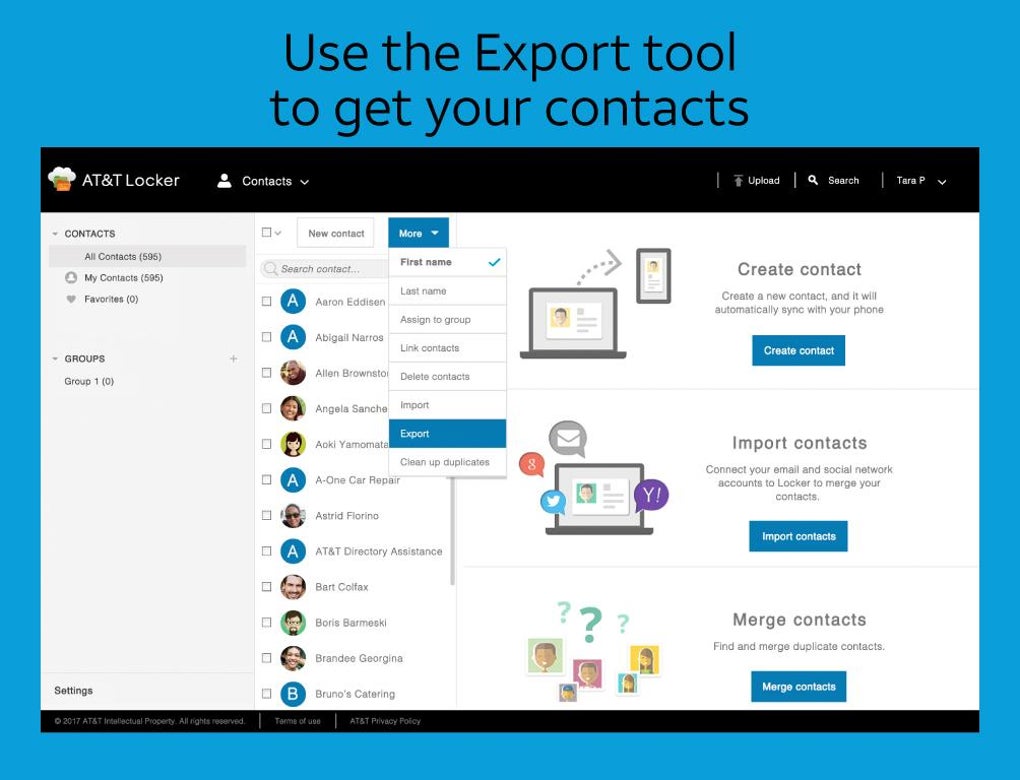
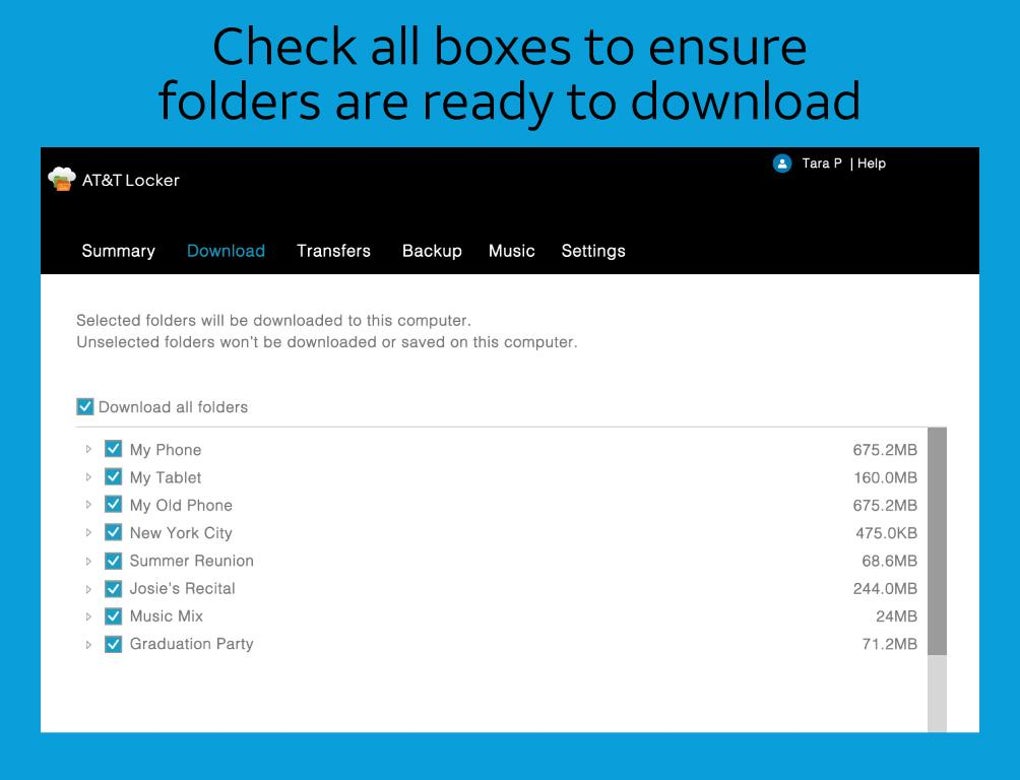
- Web browser access – The service allowed users to view and manage their media through a web interface, enabling access without installing the app.
- Media sharing – Users could share files and albums with others via links, facilitating easy collaboration and content distribution.
- Custom album creation – The ability to organize media into personalized albums improved file management and retrieval.
- Free storage space – AT&T Locker provided complimentary cloud storage, removing financial barriers for basic usage.
- Offline access – Previously downloaded content could be viewed without an internet connection, supporting limited usability in low-connectivity areas.
These features were intended to support users who needed a simple, free way to back up and share media. For example, a user could upload vacation photos from their Android phone and later view them on a Windows PC via the web portal. Similarly, a family member could receive a shared album link to view a collection of videos without needing to install the app. However, the service lacked advanced features such as automatic backups, version control, or integration with third-party apps, which limited its competitiveness against platforms like Google Drive and iCloud.
User Interface, Workflow & Performance
The user interface of AT&T Locker was described as streamlined, with a focus on simplicity and ease of navigation. The layout prioritized core functions such as uploading media, viewing albums, and sharing content. Navigation was primarily based on a tabbed structure, allowing users to switch between storage, albums, and shared items.
The workflow for uploading photos and videos was straightforward, requiring minimal steps from selection to cloud upload. However, the interface was criticized for being outdated and visually unappealing compared to modern standards. Performance observations are based on general software behavior patterns, as no specific technical benchmarks were provided.
The application did not consume significant system resources during typical use, but exact CPU or RAM behavior was not specified. Stability was generally consistent during active sessions, though the lack of updates over time may have impacted reliability. The developer did not specify resource usage details, and no information was provided about background processes or battery consumption.
Compatibility & System Requirements
AT&T Locker was compatible with Android, iOS, and Windows operating systems. The application was available for Android devices and supported Windows platforms, including desktop and laptop systems. The software version was released as 1.0.0, with a file size of 20 MB.
While the service was designed to work across multiple platforms, it did not support Apple’s iPad or the iPhone 5’s taller display, which limited its usability on certain devices. The developer did not provide additional system requirements, such as minimum RAM, processor speed, or storage space. Compatibility information was partially provided, with specific limitations noted for certain iOS models.
The application required an internet connection for full functionality, including uploads, downloads, and access to remote content.
Pros and Cons
Pros
- Free cloud storage space available to users
- Supports cross-platform access across Android, iOS, and Windows
- Web browser access enables use without installing the app
- Simple interface focused on core media management tasks
- Allows sharing of media via links
- Custom album creation for better file organization
Cons
- Service was discontinued in 2018, no longer available for download
- Limited to AT&T mobile customers in some contexts
- Outdated and unattractive user interface
- Lack of advanced features like automatic backups and versioning
- Not compatible with iPad or iPhone 5’s taller display
- Did not keep pace with competitors in innovation or integration
FAQ Section
Is AT&T Locker still available for download?
AT&T Locker was discontinued in 2018 and is no longer available for download through official app stores or the developer’s website.
Can I still access my data stored in AT&T Locker?
Due to the service’s discontinuation, access to stored data is no longer possible through the official platform. Users are advised to have backed up their content prior to the shutdown.
Is AT&T Locker safe to use?
While the service was secure during its operational period, it is no longer maintained or supported. Using outdated software may pose security risks, and it is not recommended for current use.
Does AT&T Locker support automatic backups?
The service did not feature automatic backup functionality. Users had to manually initiate uploads for their media files.
Can I use AT&T Locker without an AT&T mobile plan?
While the service was primarily targeted at AT&T customers, it was available to users without a plan. However, access may have been restricted in certain regions or under specific conditions.
Final Thoughts + CTA
AT&T Locker was a well-intentioned cloud storage solution that aimed to simplify media management for AT&T customers. With its free storage, cross-device access, and web interface, it offered a practical tool for users seeking a straightforward way to back up and share photos and videos. However, its outdated interface, lack of innovation, and eventual discontinuation hindered long-term success.
The service failed to compete with more robust platforms like Google Drive and iCloud, which offered richer feature sets and better integration. Despite its initial promise, AT&T Locker did not achieve widespread adoption and was ultimately retired. For users seeking similar functionality today, alternative cloud storage services are recommended.
Download AT&T Locker now — but note: the service is no longer active.





.png)

